If you’re just beginning your automation journey, you might feel overwhelmed by all the technical terms — especially when tools like Docker and n8n come into the picture. But don’t worry: this guide will walk you through both, in a beginner-friendly way, and show you how they work together to power custom automations — even if you’ve never touched a server in your life.
What Is Docker?
Docker is a platform that allows you to run software in “containers.” Think of a container like a mini-computer inside your computer — it runs an app exactly the same way, no matter what system it’s on.
Why Use Docker?
- Consistency: It works the same way on any server or computer.
- Isolation: Each container runs independently, so nothing conflicts.
- Simplicity: You don’t need to manually install each dependency.
In the world of automation, Docker is the perfect way to run tools like n8n without worrying about setup complexity or operating system compatibility.
What Is n8n?
n8n (pronounced “n-eight-n”) is an open-source workflow automation tool — similar to platforms like Zapier or Make, but with more power and control.
With n8n, you can:
- Connect apps and services (APIs)
- Trigger actions based on events (e.g., new email, form submission)
- Create conditional logic (if this happens, do that)
- Automate entire workflows without writing code — unless you want to
And unlike commercial platforms, n8n can be self-hosted, which means you can install it on your own server (or VPS) using Docker.
Why Docker + n8n Is a Powerful Combo
Using Docker to run n8n gives you full control without technical headaches.
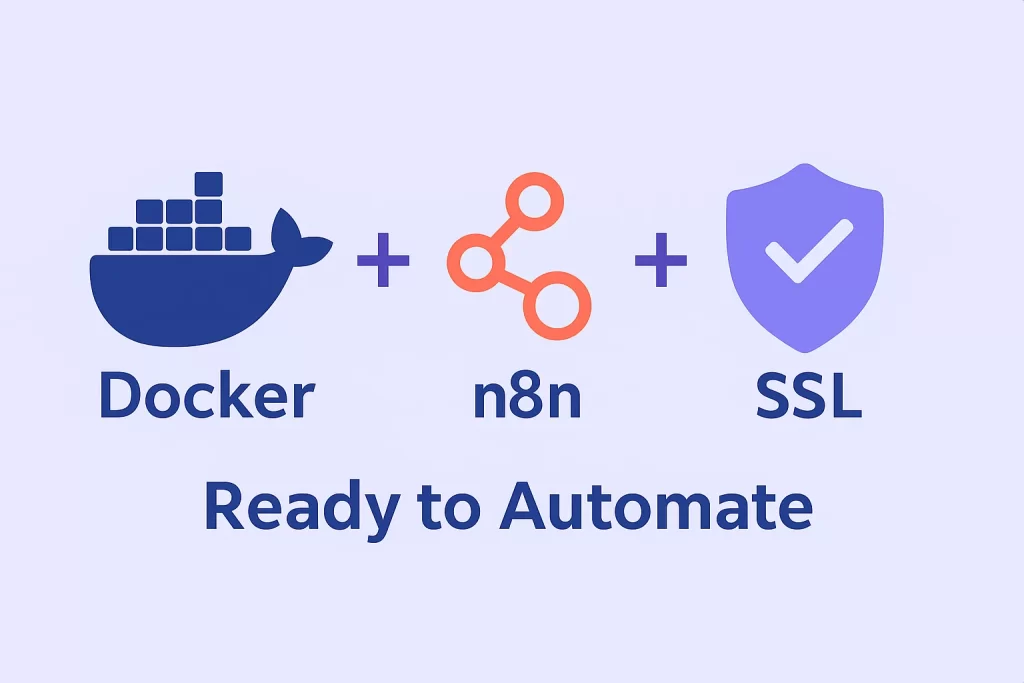
Here’s what the setup typically includes:
- Docker: The platform that runs everything
- n8n container: The actual app inside Docker
- Reverse Proxy + SSL: To secure your setup with HTTPS
- Portainer (optional): A visual interface to manage your containers
This setup lets you:
- Run workflows reliably
- Access your automation dashboard via a browser
- Scale your automations with minimal cost
Example Workflow You Can Create with n8n
Imagine this automation:
- Trigger: New Google Sheet entry
- Action 1: Extract data from the row
- Action 2: Send a WhatsApp message using a webhook
- Action 3: Store the info in Airtable
With n8n, you can build this with a few clicks and drag-and-drop blocks — no programming needed.
Common Terms to Understand
Here are some beginner-friendly definitions:
- Node: Each step in your automation (e.g., send email, create task)
- Workflow: A group of connected nodes that run in sequence
- Trigger: The event that starts the workflow (like a form submission)
- Execution: Each time a workflow runs, that’s an execution
Once you get the hang of these terms, working in n8n becomes much easier.
Hosting Options for n8n
There are two main ways to run n8n:
1. Cloud Hosting (by n8n.io)
- Hosted by the official company
- You don’t manage servers
- Paid plans based on usage
2. Self-Hosting (with Docker)
- You have full control
- No monthly fees
- You install it on a VPS using Docker
This is where tool Intelligent Automation Installer shine — automate this complex installation process so you don’t have to deal with servers or code.
How Intelligent Automation Installer Simplifies It All
The Intelligent Automation Installer allows you to:
- Install Docker with a click
- Deploy n8n automatically
- Secure your server with SSL
- Skip the command-line stress
If you want to self-host but don’t have technical skills, this tool bridges the gap — making powerful automation accessible to everyone.
Is It Safe?
Yes. When installed properly, Docker and n8n are highly secure. With SSL (HTTPS) enabled and no open ports exposed unnecessarily, you reduce most of the common vulnerabilities.
Plus, self-hosting means:
- You own your data
- You control what’s installed
- No vendor lock-in
Just make sure you keep your server updated, and always use strong passwords.
Pro Tips for Beginners
- Use a VPS like DigitalOcean or Hetzner (cheap and reliable)
- Start with simple workflows to build confidence
- Use the n8n community forum for help — it’s active and beginner-friendly
- Backup your workflows regularly
Final Words: Take the First Step
Learning Docker and n8n might seem like a big leap, but with the right tools and guidance, it becomes much easier than you think.
You don’t need to be a developer.
You just need the right starting point.
Let Intelligent Automation Installer do the heavy lifting for you — so you can focus on building workflows that make your life easier.
Automation shouldn’t be hard.
And now, it isn’t.